Numbered steps
- 1
Check whether the Teams desktop app is running on the same Mac.
- 2
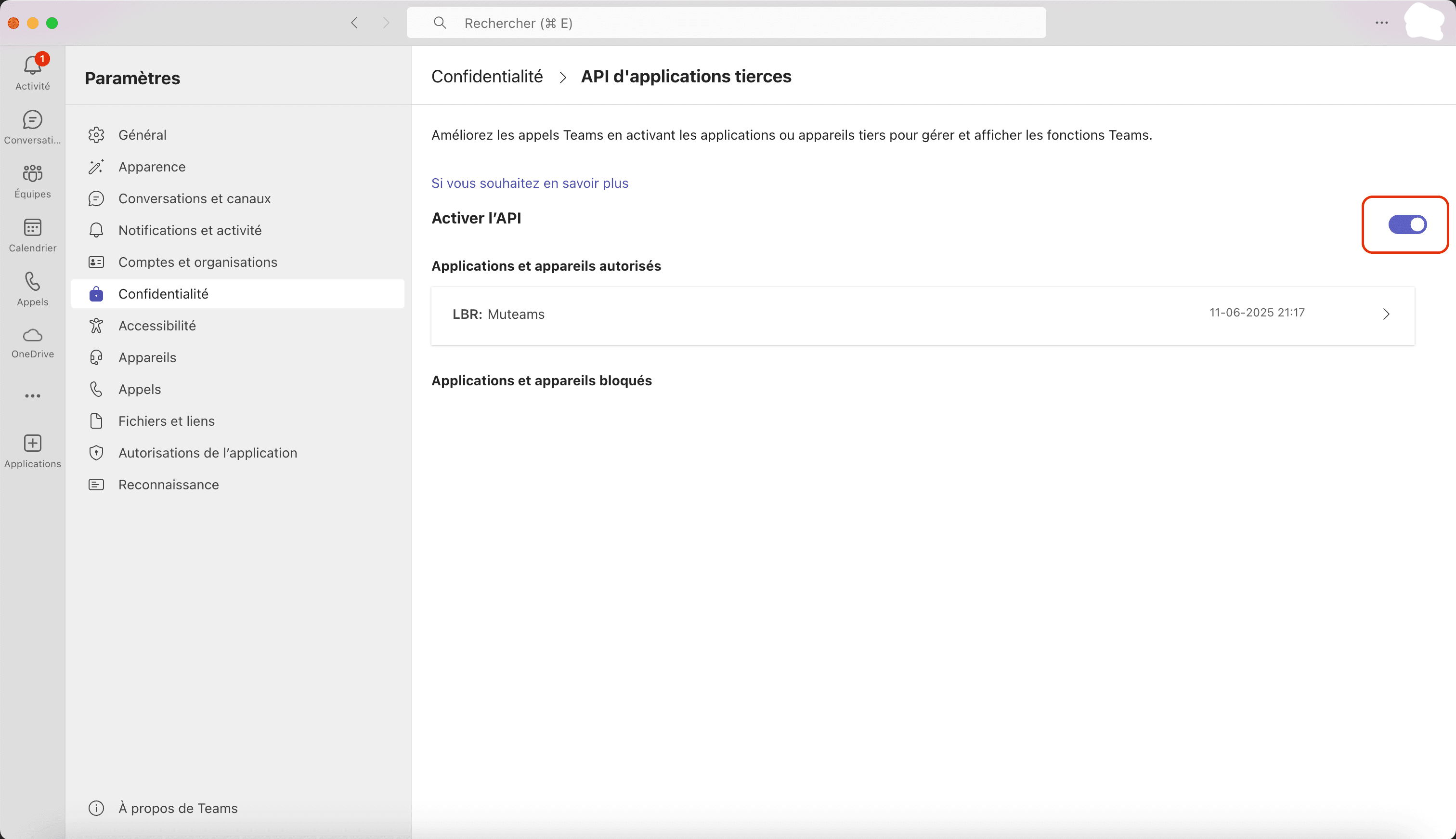
Confirm Third-party app API is enabled in Teams Settings > Privacy.
- 3
Re-open MuteCall and compare the visible state against the readiness model.
- 4
If Teams is connected, confirm at least one mute shortcut is configured before testing again.